cibersicurezza
Come una falsa pagina di pagamento per la consegna di cibo ha rubato i dati delle carte dei clienti svizzeri
L’Ufficio federale della cibersicurezza ha messo in guardia contro truffatori che hanno modificato una pagina di pagamento di un servizio di consegna di cibo per sottrarre i dati delle carte di credito tramite una falsa opzione di pagamento. Questa guida pratica per i consumatori spiega come ha funzionato l’attacco di skimming, come riconoscere i segnali d’allarme e cosa fare dopo aver inserito i propri dati.
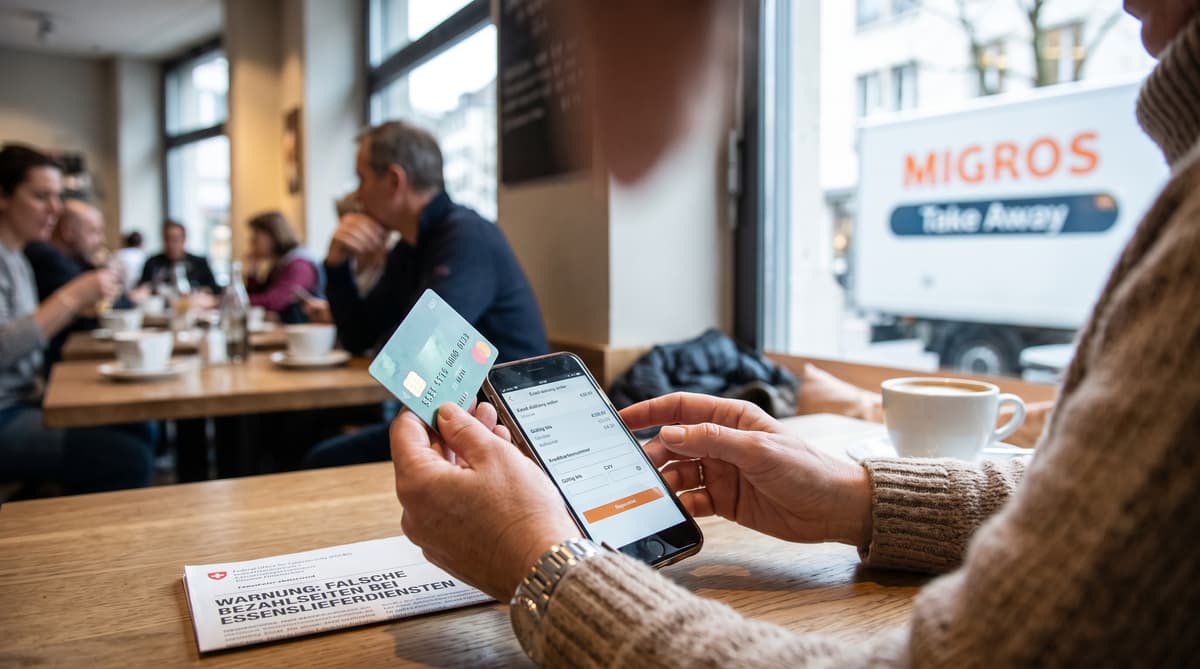
Il 1° settembre 2026, un ordine di cibo del tutto normale si è trasformato in una trappola per rubare i dati delle carte. L’Ufficio federale della cibersicurezza ha avvertito che dei criminali avevano modificato la pagina di pagamento di un servizio di consegna di cibo, riuscendo così a raccogliere i dati delle carte di credito dei clienti, sebbene il sito stesso fosse autentico.
L’attacco è significativo perché i clienti non hanno necessariamente visitato un sito chiaramente falso. Sono arrivati a un fornitore legittimo, hanno selezionato un’opzione di pagamento e seguito una procedura di acquisto familiare. Il codice dannoso era stato inserito nel sito del fornitore e modificava ciò che i clienti vedevano al momento del pagamento.
L’agenzia ha definito il metodo skimming nell’e-commerce. A differenza di una truffa di phishing convenzionale, gli aggressori non dovevano attirare ogni vittima su un sito falso separato. Hanno compromesso una parte della vera esperienza di acquisto e l’hanno usata per acquisire i dati di pagamento.
Le informazioni fornite nell’avviso non identificano il servizio di consegna di cibo interessato e non indicano il numero di clienti esposti. Chi ha usato la procedura di pagamento compromessa dovrebbe controllare le transazioni recenti e quelle in sospeso, compresi gli addebiti di autorizzazione di importo esiguo che potrebbero precedere pagamenti fraudolenti più consistenti.
Come funzionava la falsa opzione di pagamento con carta
Gli aggressori hanno sostituito Twint con una falsa opzione di pagamento con carta di credito. Secondo l’Ufficio federale della cibersicurezza, il codice dannoso inserito nel sito ha rimosso o spostato il metodo di pagamento Twint originale del fornitore e ha mostrato ai clienti una falsa opzione per pagare con carta di credito.
Selezionandola, si apriva una finestra pop-up che chiedeva i dati della carta. Le informazioni inserite venivano trasmesse direttamente ai truffatori. La pagina cercava poi di coprire le proprie tracce mostrando un messaggio di errore secondo cui i pagamenti con carta di credito erano ancora in fase di test e invitando i clienti a tornare a Twint.
Un dettaglio avrebbe dovuto destare sospetti: il testo del pop-up era in inglese, mentre il resto della pagina del servizio di consegna era in tedesco. Le incongruenze linguistiche possono indicare che un componente di pagamento proviene da una fonte non autorizzata, soprattutto quando un servizio svizzero presenta normalmente la procedura di pagamento in un’unica lingua.
I clienti dovrebbero fermarsi un momento quando una procedura di pagamento familiare cambia all’improvviso. Una nuova opzione per pagare con carta, un pop-up inatteso, una richiesta di inserire nuovamente i dati o un messaggio che segnala che un pagamento è in fase di test richiedono una verifica tramite i canali ufficiali di assistenza dell’azienda. Non utilizzate i recapiti indicati in una finestra sospetta.
Perché il lucchetto non basta a proteggervi
Lo skimming avviene all’interno di un sito autentico, perciò è difficile da individuare per i normali clienti. Di solito, il phishing indirizza la vittima verso un sito falso progettato per imitare una banca, un rivenditore o un servizio pubblico. In questo caso, era stata manipolata la pagina di pagamento di un vero servizio di consegna di cibo.
Questa differenza cambia ciò a cui i clienti dovrebbero prestare attenzione. Il simbolo del lucchetto e l’indirizzo web corretto possono essere ancora visibili, perché il sito sottostante è autentico. Un cliente può quindi concludere un ordine su un dominio legittimo e consegnare comunque i dati della carta ai criminali attraverso un elemento compromesso della procedura di pagamento.
L’Ufficio federale della cibersicurezza afferma che, per chi non possiede conoscenze specialistiche, individuare questo tipo di manipolazione può essere «molto difficile, se non impossibile». Ciò attribuisce una responsabilità considerevole agli operatori, non solo ai consumatori. Le piattaforme di consegna di cibo e i negozi online devono monitorare il comportamento della procedura di pagamento, mantenere aggiornati software e plugin, installare le patch di sicurezza e proteggere gli account amministrativi con password forti e uniche e con l’autenticazione a due fattori.
Gli operatori dovrebbero inoltre limitare gli script di terze parti tramite una Content Security Policy. Una politica di questo tipo può controllare quali fonti sono autorizzate a eseguire JavaScript e dove possono essere inviati i dati. Test automatizzati della procedura di pagamento e attività di monitoraggio possono aiutare a rilevare un flusso di pagamento inatteso prima che altri clienti vi si imbattano.
Bloccate la carta, contestate gli addebiti e segnalate il caso
Agite rapidamente se avete inserito i dati della carta o notate un addebito che non sapete spiegare. Le indicazioni federali raccomandano ai clienti di contestare immediatamente le transazioni fraudolente presso la propria banca o il fornitore della carta di credito. Chiamate il numero di emergenza o antifrode riportato sul retro della carta oppure utilizzate l’app ufficiale del fornitore, non un link contenuto in un’e-mail o in un messaggio di pagamento sospetto.
Chiedete all’emittente se la carta debba essere bloccata e sostituita. Conservate le prove prima di chiudere la pagina o cancellare i messaggi: annotate l’indirizzo del sito, l’ora dell’ordine, la schermata di pagamento, il messaggio di errore e le eventuali notifiche delle transazioni. Non inviate il numero della carta o il codice di sicurezza all’azienda di consegna tramite e-mail o chat.
Segnalate il sospetto caso di skimming all’Ufficio federale della cibersicurezza e avvisate l’esercente interessato. Queste informazioni sono necessarie all’operatore per indagare sulla procedura di pagamento e mettere in guardia altri clienti. Se avete perso del denaro, l’agenzia raccomanda di sporgere denuncia presso la polizia cantonale competente. Suisse ePolice può aiutare a individuare il posto di polizia appropriato.
Continuate a controllare il conto anche dopo aver contestato la prima transazione. I dati delle carte rubati possono essere verificati o utilizzati in un secondo momento, quindi controllate sia i pagamenti in sospeso sia quelli conclusi e reagite prontamente agli avvisi dell’emittente.
La soluzione parte da ciò che si cela dietro la pagina di pagamento
L’incidente dimostra perché la sicurezza dei pagamenti è una responsabilità condivisa nell’economia digitale svizzera. I clienti possono ridurre i rischi controllando i cambiamenti inattesi, preferendo metodi di pagamento consolidati e intervenendo rapidamente quando qualcosa non sembra corretto. Non possono però esaminare da soli gli script che operano dietro una pagina di pagamento.
Per gli operatori, le raccomandazioni federali sono concrete. Installate regolarmente le patch di sicurezza, mantenete aggiornati tutti i componenti dei sistemi, verificate che le funzioni di pagamento non presentino anomalie e, se possibile, ricorrete al monitoraggio automatizzato. Gli account amministrativi dovrebbero essere protetti da password uniche e dall’autenticazione a due fattori. Una Content Security Policy restrittiva può limitare il codice di terze parti non autorizzato e impedire il trasferimento di dati verso destinazioni sconosciute.
Il caso del servizio di consegna di cibo sottolinea anche l’importanza di un’esperienza utente localizzata. Un pop-up in inglese su un servizio svizzero per il resto in tedesco era un indizio utile, anche se molti clienti avrebbero ragionevolmente pensato che una finestra di pagamento comparsa all’interno di un sito familiare fosse sicura.
I consumatori svizzeri dovrebbero considerare la sicurezza delle carte un’attività continua. Controllate i conti, attivate le notifiche delle transazioni quando disponibili e verificate le richieste di pagamento insolite tramite un’app o un sito ufficiale. Se un esercente autentico segnala una compromissione, seguite le sue istruzioni, affidandovi alla banca per la protezione della carta e alla polizia cantonale per eventuali denunce legate a reati finanziari.